How do I create consistent branded backdrops for used car listings?
A step by step to high performing used car imagery.
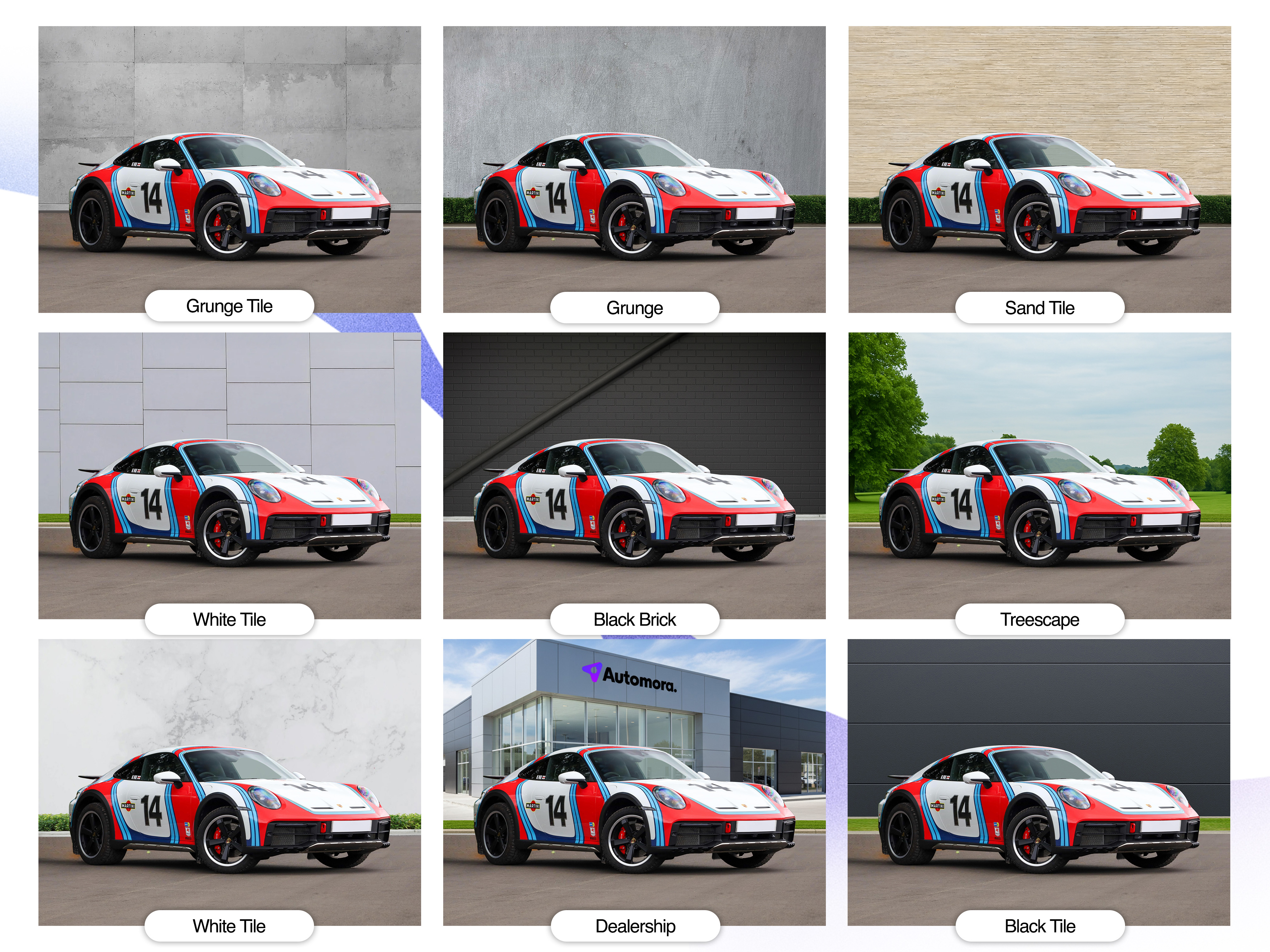
How to create consistent branded backdrops for used car listings
A consistent backdrop makes a used car listing look professional, helps shoppers recognise your dealership and keeps your online stock pages visually coherent. The key is to standardise the process, not to make every car look identical or hide its condition.
For a repeatable approach, set one visual standard, prepare a simple photo area, use the same camera setup and check every image before publishing. Automora can support a consistent merchandising workflow by giving your team a clear standard to follow across vehicle listings.
1. Choose a backdrop style
Start by choosing a backdrop that suits your dealership and can be repeated for every vehicle. Common options include:
- A physical studio or photo bay: A plain wall, clean floor and controlled lighting provide a dependable look in all weather.
- A dedicated outdoor area: A tidy, uncluttered location can work well if you can control the background and lighting.
- A digitally applied background: Editing can provide a uniform setting, but it must look natural and must not misrepresent the vehicle.
Keep the setting simple. Neutral colours usually work well because they keep attention on the car. Avoid busy signage, other vehicles, staff, rubbish bins and strong reflections in the background.
2. Create a short dealership photo standard
Write down the rules so that different staff members can produce similar results. Include:
- The approved photo location or background
- Where the car should be positioned
- The camera height and distance
- The vehicle angles to capture
- Lighting and weather guidance
- How dealership branding should appear
- Image editing rules and a final quality check
Store the standard where the people who take and upload photos can easily find it. Use it as part of your Automora merchandising workflow so the same guidance applies across your stock.
3. Set up the car and photo area
Before taking pictures, clean the car and the photo area. Remove personal items, price sheets and anything that should not appear in the listing. Make sure the number plates and any identifying details are handled according to your dealership's policy.
Park the vehicle in the same position each time. Leave enough room around it to capture the full vehicle without cutting off the bumpers, wheels or roof. Check the background from the camera position, not just from where you are standing.
4. Keep the camera setup consistent
Use the same camera or phone settings wherever possible. Keep the camera at a repeatable height, use a similar distance and avoid dramatic angles that distort the vehicle's proportions. A tripod or marked floor position can help staff reproduce the setup.
Take the same core views for each car, such as front three-quarter, rear three-quarter, both sides, front and rear, and key interior views. Consistent framing makes it easier for shoppers to compare vehicles across your stock.
5. Apply branding with restraint
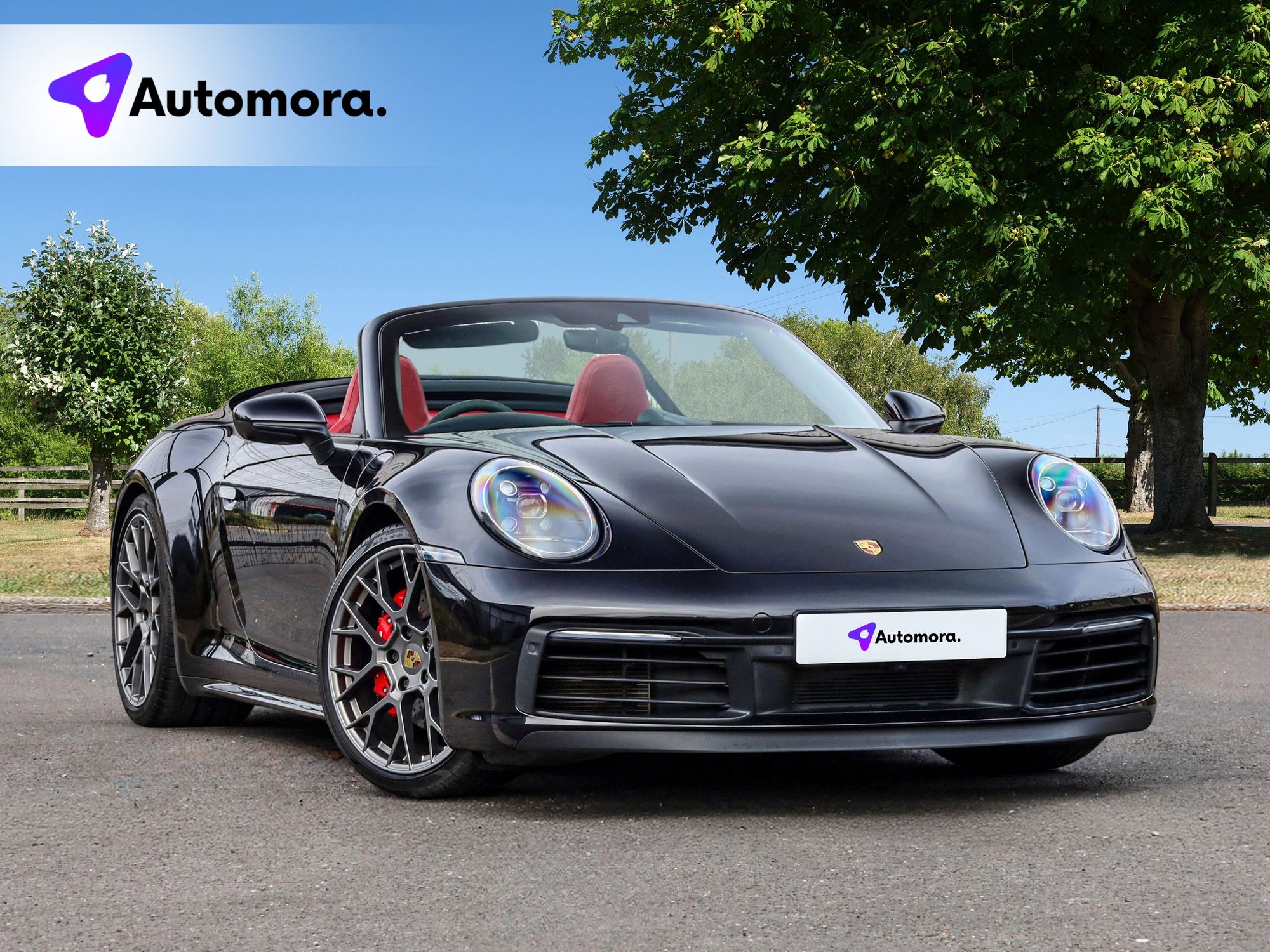
If you add a logo, dealership name or visual frame, use the same placement, size and colour treatment for every listing. Keep branding away from important vehicle details, and avoid covering the car with large graphics. The vehicle should remain the focus of the image.
For digital backgrounds, use a consistent template and check that edges, shadows and reflections look convincing. Do not alter the car's colour, condition, features or surroundings in a way that could mislead a buyer. Show genuine, current images of the vehicle and disclose any material editing where required by your policy or applicable rules.
6. Check every image before publishing
Use a simple quality checklist:
- Is the approved backdrop used?
- Is the car clean, centred and fully visible?
- Are the images sharp and well lit?
- Is the branding consistent and unobtrusive?
- Are there distracting objects or reflections?
- Do the images accurately represent this specific vehicle?
Fixing a poor image before publication is easier than correcting an inconsistent listing later. Review a sample of live listings regularly to spot differences between photographers, locations or editing styles.
A repeatable process builds trust
The most effective branded backdrop is one your team can reproduce every time. Choose a simple setting, document the photo rules, use a consistent capture routine and check that every image is both on-brand and truthful. With a shared standard in place, Automora can be part of a more consistent used car merchandising process, helping your dealership present stock in a recognisable, professional way.
Your stock deserves better photos.Automora turns forecourt photos into showroom-ready listings in under four minutes.
See it on your own stock →